
 Rob Bentley
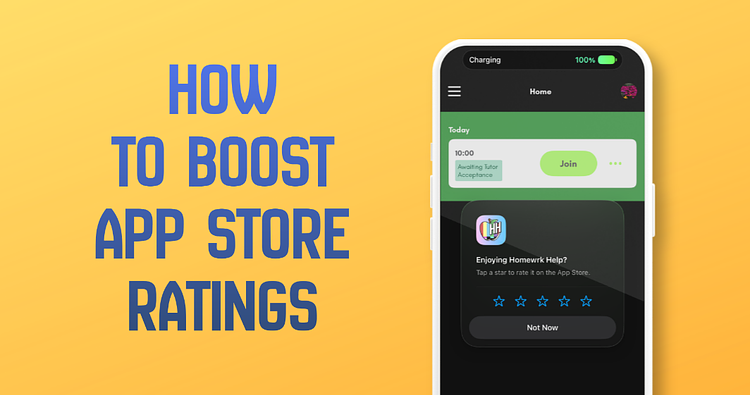
A common conversation I have with clients is about how to get more App Store/Play Store ratings. They want to know how to get ratings on the app store, how to get the most positive ratings possible, and how the ratings help.
To get more ratings for your app, Apple and Google provide tools in their SDKs to display an In-App view that lets people quickly rate it.
The code for this is simple.
// Request the review from the system

        if let scene = UIApplication.shared.connectedScenes.first(where: { $0.activationState == .foregroundActive }) as? UIWindowScene {

            DispatchQueue.main.async {

                AppStore.requestReview(in: scene)

            }

        }
There are some things to know about this. Apple and Google do not guarantee that this line of code will display the rating view, and it often won’t. The reason is that they don’t want the system to be abused by bad actors, so they have their own internal rules about when this is displayed, one of which is that it can’t be shown more than 3 times in a year.
Best practice is to add additional logic around this.
When requesting that the user rate your app, you are more likely to get a positive rating if you do this intentionally.
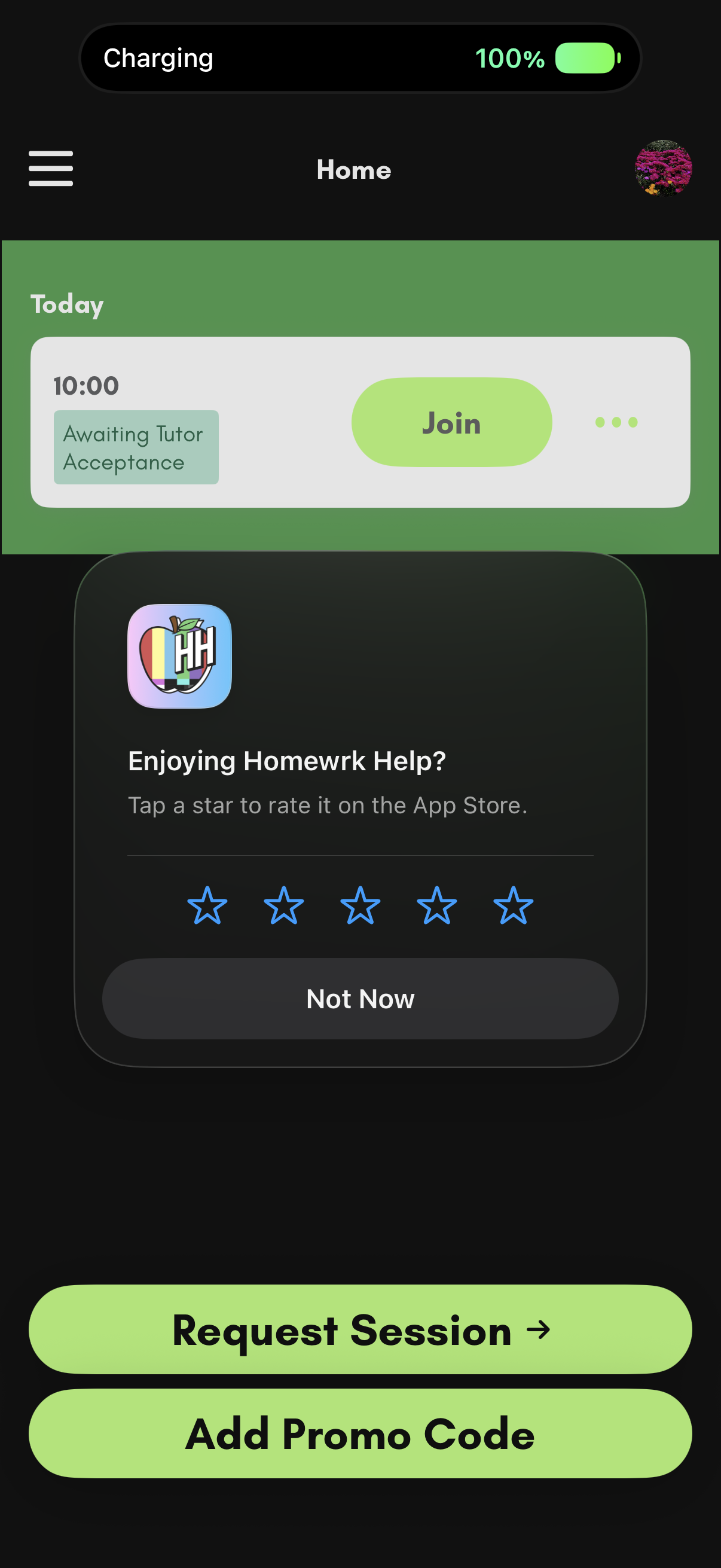
The example pictured above shows an app JMG built called “The Homework Helper App.” It connects students with tutors in real time via video chat. The trigger for showing the rating prompt is when a parent or student has already completed a session in the app and has just scheduled another. This way, we gather that the person used the app successfully.
If they click “Not Now”, the prompt goes away. We don’t want to bother someone with our rating request too soon after deciding not to rate us, so, in addition to Apple's and Google’s rules, we add logic to the code to request a review only once every 30 days.
Here is what the code looks like:
static func requestReviewIfNeeded() {

        let lastRequestDate = UserDefaults.standard.object(forKey: "last_review_request_date") as? Date

        let now = Date()


        // Example: Only attempt to show the prompt if it's been 30 days since we last asked

        if let lastDate = lastRequestDate {

            let components = Calendar.current.dateComponents([.day], from: lastDate, to: now)

            if let days = components.day, days < 30 {

                return // Too soon to try again

            }

        }


        // Request the review from the system

        if let scene = UIApplication.shared.connectedScenes.first(where: { $0.activationState == .foregroundActive }) as? UIWindowScene {

            DispatchQueue.main.async {

                AppStore.requestReview(in: scene)

            }


            // Record that we attempted to show the prompt

            UserDefaults.standard.set(now, forKey: "last_review_request_date")

        }

    }
It's more code, but the experience and results are better.
Positive ratings make your app look better in search results compared to apps with lower ratings. Apple and Google both use this metric when ranking search results, so the more ratings (and positive ratings) you get, the higher in the results you appear, which results in more downloads.
If people consistently rate your app negatively, it may mean that something in the app isn’t working or that the experience isn't what they expected.
If you have questions about adding review prompts in your app, or if your app isn’t getting good ratings, let's connect.
.png)